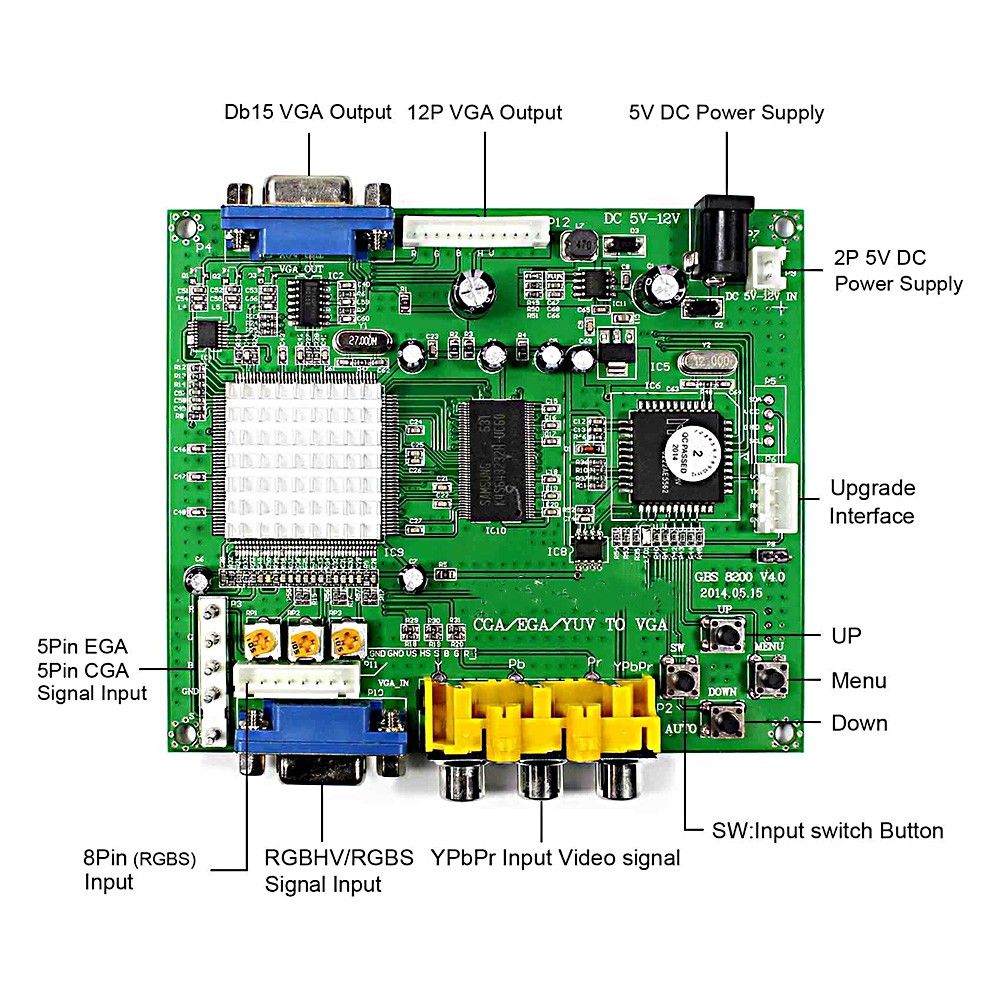
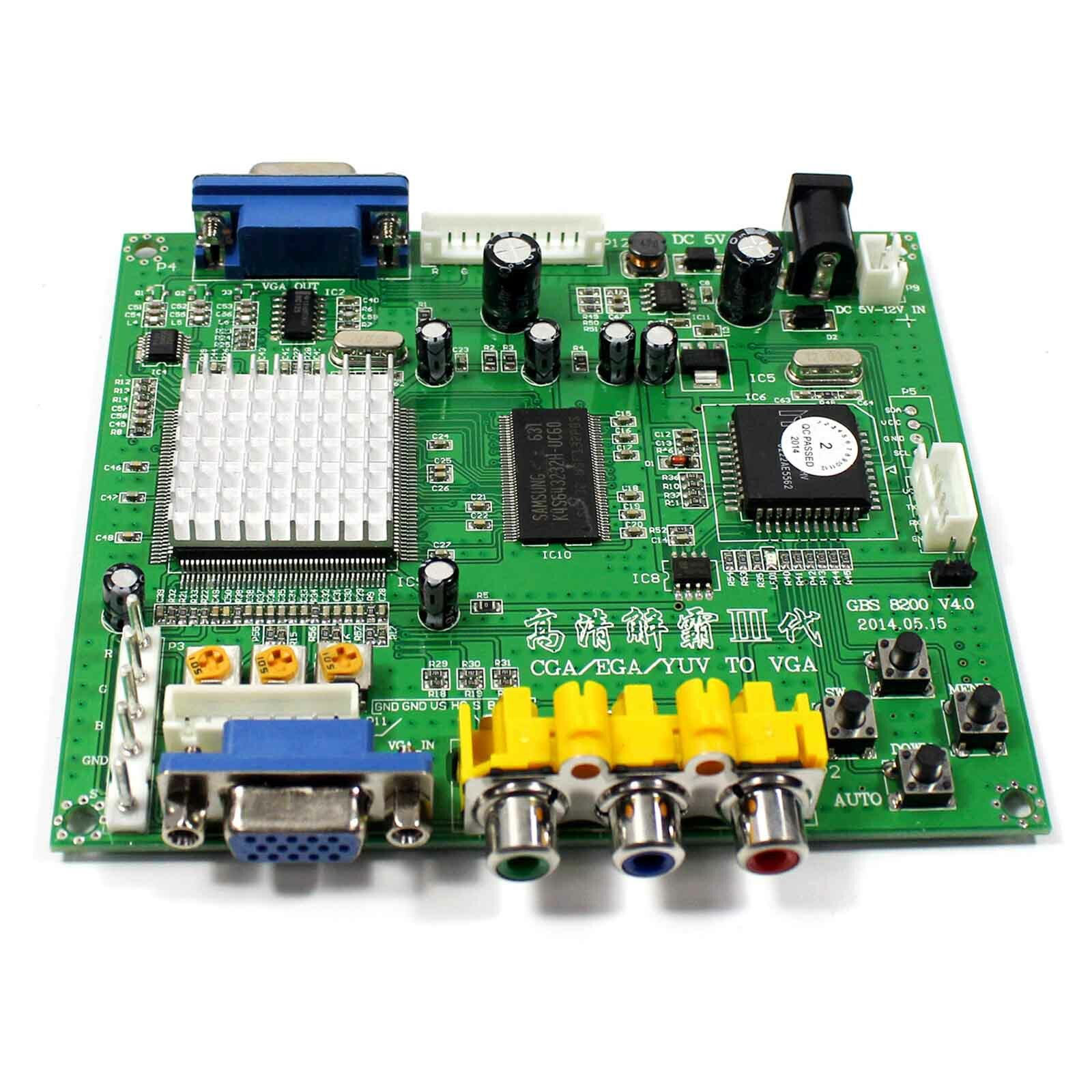
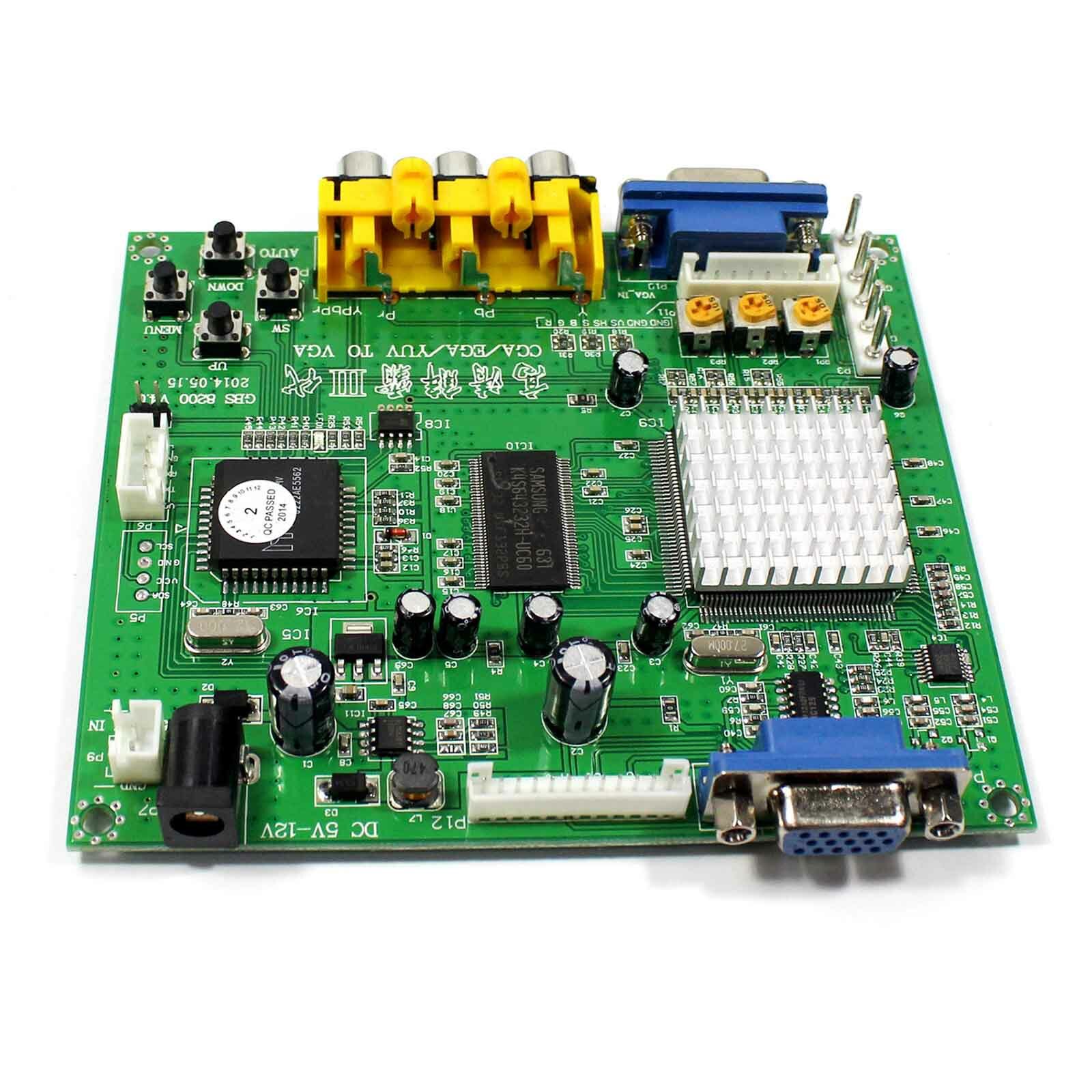
Description
FEATURES
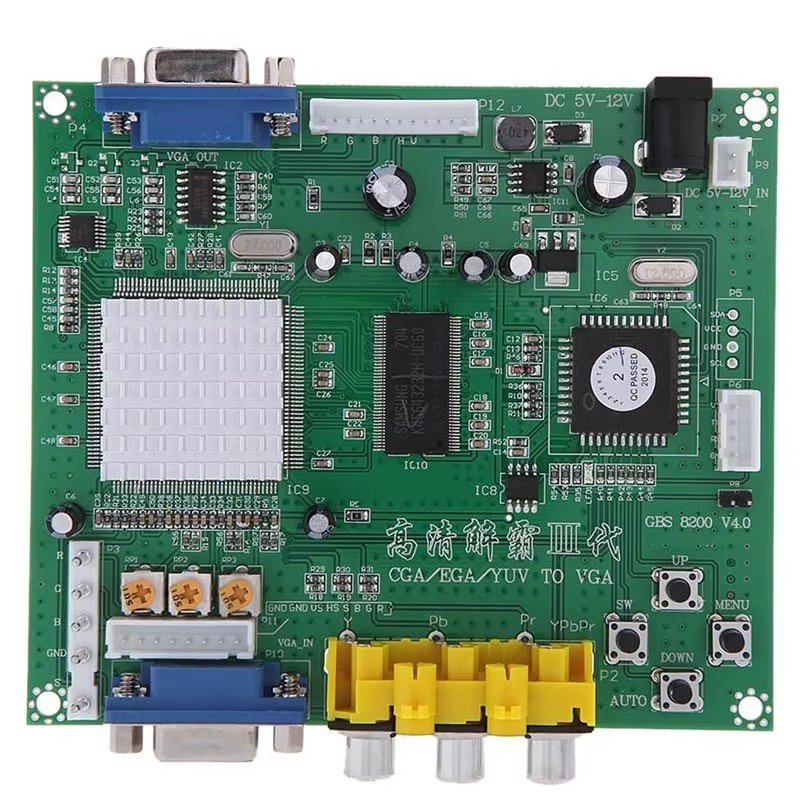
– Supports CGA/EGA/YUV signal input.
– Supports VGA output 640*480,800*600,1024*768,1360*768
– CGA/EGA signal auto scan (15K,24K,31K)
– YUV signal auto scan (480i,576i,720i,1080i,480p,576p,720p,1080p)
– Chinese and English OSD.
– Supports position control & zoom control.
– True digital 24-bit A/D converter for true 16.7-million color conversion.
– Supports all VGA monitor (CRT、LCD、PDP、PROJECT……)
SPECIFICATIONS
| Power | DC5V 2A +/- 0.5v | P7 or P9 | ||
| Input signal
|
CGA/EGA |
14.5-16.5K
23.5-25.5K 30.5-32.5K |
Auto scan
|
P3 or P11 or P10 |
| RGBHV | 30.5-32.5K | Auto scan | P10 or P11 | |
| VGA | 30.5-32.5K | Auto scan | P10 or P11 | |
| Ypbpr | 480p,576p,720p,1080p | Auto scan | P2 | |
| Ycbcr | 480i,576i,720i,1080i | Auto scan | P2 | |
| Output signal | VGA | 640*480,800*600
1024*768,1360*768 |
P4 and P12 | |
| User control | Input Switch, Image Zoom, Image Position,
Output Resolution ,R\G\B gain adjust. |
Menu Key
R\G\B VR |
||
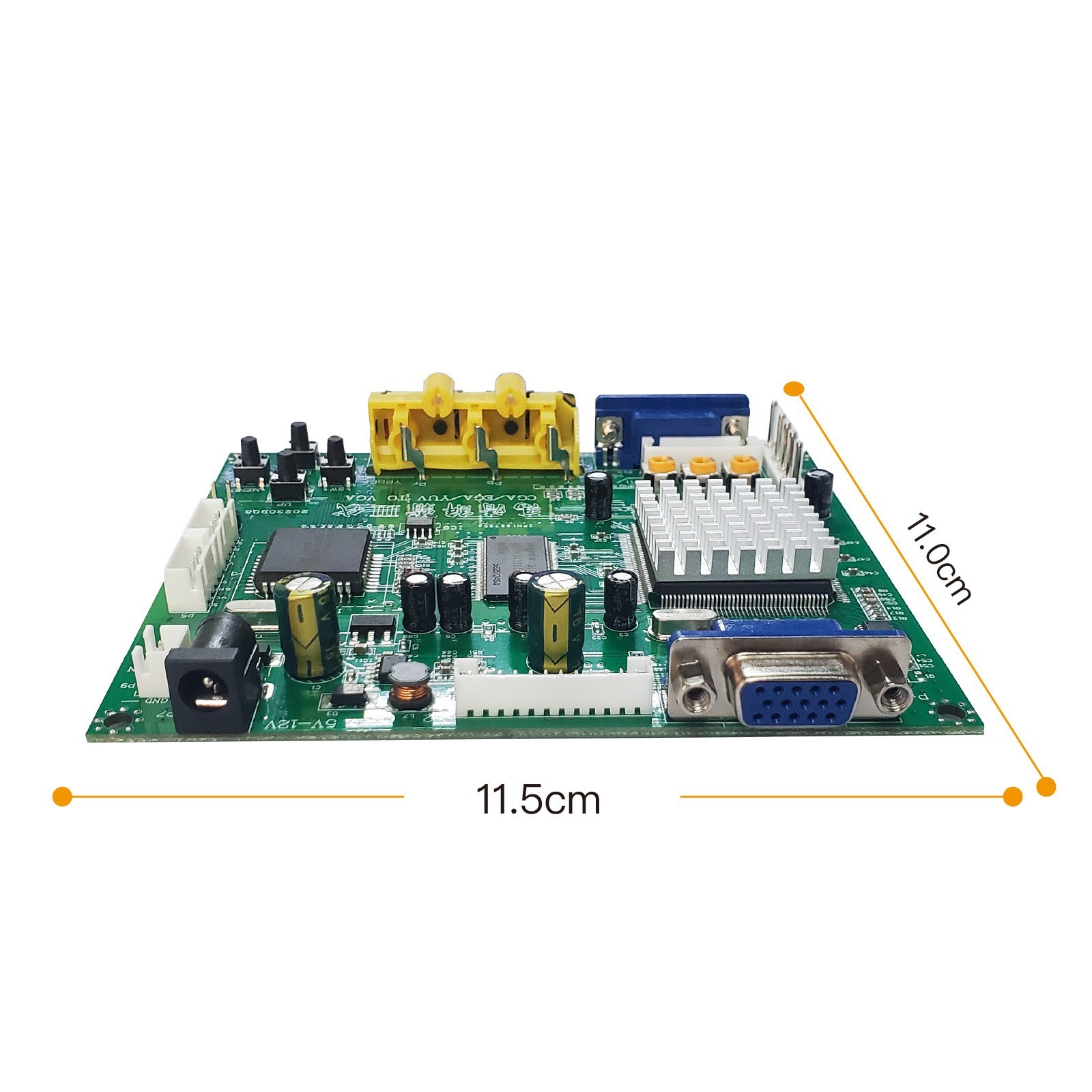
| Dimensions | 115*105*20mm | |||
MENU CONTROL
– “MENU” open OSD menu, and enter.
– “UP” up and increase.
– “DOWN/AUTO” down and reduce.
Press this key: auto scan CGA/EGA signal
Press this key over 5 second and release: reset system
** (this operation is invalid when you open OSD menu)
– “SW” switch input signal Ypbpr/RGBS/RGBHV.
** (this operation is invalid when you open OSD menu)
– “Clamp sp” & “Clamp” please don’t adjust this button, except the monitor has black item or picture discoloration.
– For more functions control, please look at OSD to operate.
Packing list :
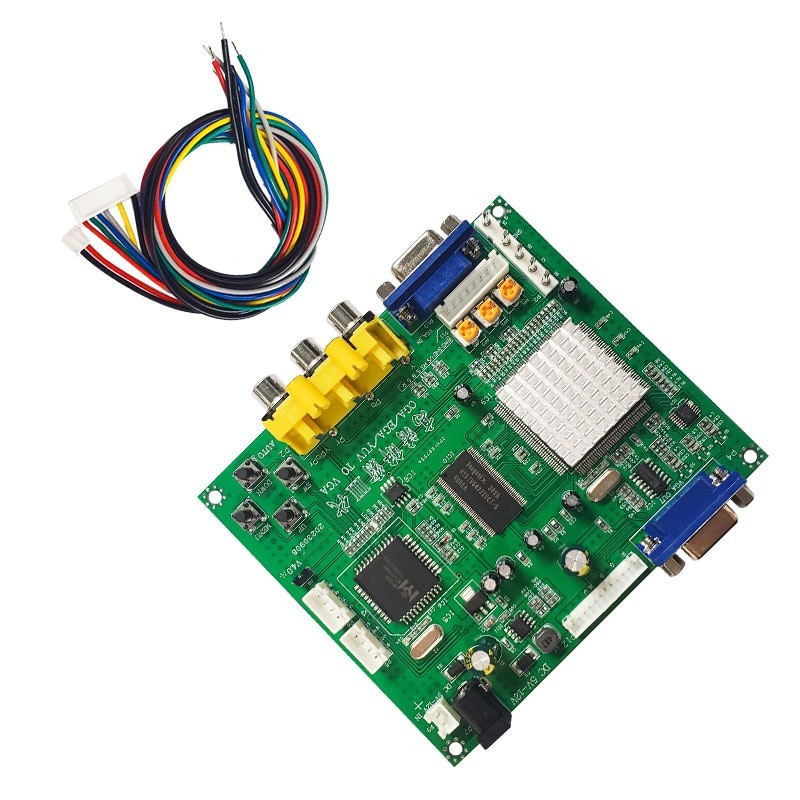
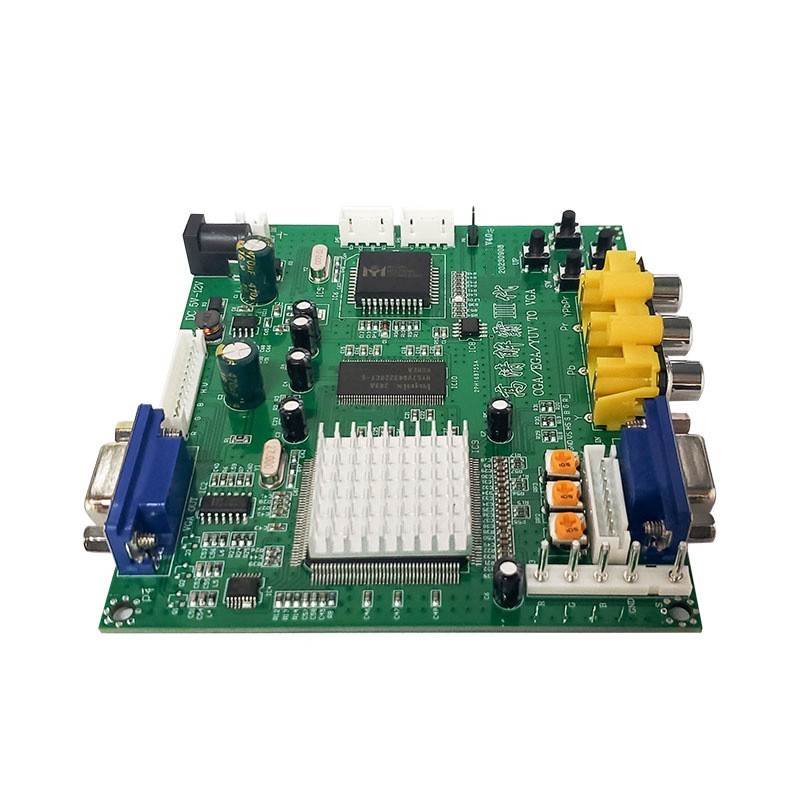
1× Converter Board GBS8200
1× Connection Cable
FAQ
No signal on you monitor
-please check the input and output cables, make sure all cables are connected. And make sure power is on.
The monitor says “No signal”
-please press “SW” to switch input signal.
Input not supports
-when your monitor displays “input not supports”, maybe you need change to low resolution.
Please press “DOWN/AUTO” over 5 second and release. Reset resolution to 800*600.
Image not full on you screen
-please enter menu to adjust image position and zoom.
Image shake or freeze
-please press “DOWN/AUTO”, system will auto scan input signal and restore image.
Have black item on screen, or all screen too black, or picture discoloration
-please adjust “Clamp sp” and “Clamp st”, please keep “Clamp st” less than “Clamp sp”.
-we suggest “Clamp st” SET “03” , “Clamp sp” SET “04”.
Image color not right
-please adjust R\G\B VR.
Reviews
There are no reviews yet.